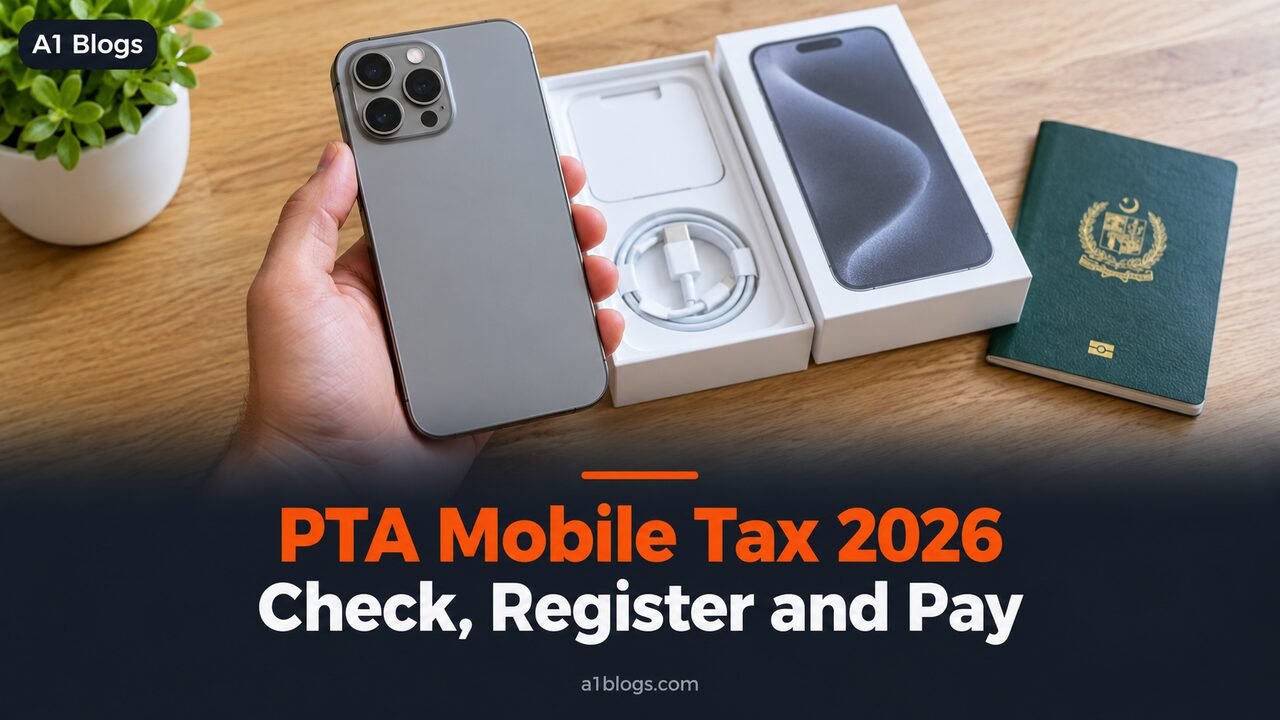
If you bring a phone into Pakistan from abroad, or buy one that was never registered, it will stop working on Pakistani networks after 60 days unless you register it and pay the PTA mobile tax. The rules are simple once you know them, but the internet is full of tax figures that disagree by tens of thousands of rupees.
This guide explains how the PTA mobile tax works in 2026, how to check whether a phone is registered, how to register it and pay, and how to find the exact amount for your phone without relying on guesswork.
Table of Contents
What the PTA mobile tax is
The Pakistan Telecommunication Authority (PTA) runs a system called DIRBS, short for Device Identification, Registration and Blocking System. Every mobile phone has a unique 15-digit number called an IMEI, and DIRBS keeps a list of IMEIs that are allowed on Pakistani networks.
Phones imported through official channels are already registered, because the importer paid customs duty and taxes. Phones brought in personally, sent by relatives or bought from the grey market usually are not. To use them long term, the owner must pay the duties and taxes set by the Federal Board of Revenue (FBR). That payment is what people call PTA tax, although the money goes to the FBR and PTA handles the registration.
The 60-day rule
According to PTA, an unregistered phone works normally for the first 60 days after it is first used on a Pakistani network. After 60 days it stops receiving mobile services. Wi-Fi still works, but calls, SMS and mobile data do not.
Two details are worth knowing. The 60-day period is not renewed if you leave Pakistan and come back with the same phone. And according to PTA’s published answers, the FBR offers no discount for registering early within the 60 days, so there is no benefit in waiting.
How to check if a phone is PTA registered
First find the IMEI. Dial *#06# on the phone, look in Settings under About phone, or check the box.
Then send the 15-digit IMEI by SMS to 8484. PTA replies with the status. The main replies are:
- Compliant or registered: the phone can be used without doing anything.
- Valid but not registered: the IMEI is genuine, but tax has not been paid. Register within 60 days.
- Blocked or invalid: the phone cannot be used on Pakistani networks.
You can also check on the DIRBS website. Do this before buying any used phone. A seller’s word that a phone is “PTA approved” is worth nothing until the IMEI check confirms it.
How to register a phone and pay
PTA offers three ways to register:
- USSD: dial *8484# from a SIM registered in your name and follow the prompts, entering your CNIC or passport number and the phone’s IMEI.
- Online: create an account on the DIRBS portal and register the device there.
- In person: visit a mobile operator’s franchise or customer service centre.
If your phone has two SIM slots, it has two IMEIs. Enter both during registration.
Once you apply, the system generates a Payment Slip ID, or PSID, together with the amount of tax due. The PSID is valid for seven days. You can pay it through your bank’s app, internet banking, an ATM, or mobile wallets such as JazzCash and Easypaisa, using the government payments or PSID option.
After payment, the status updates once the FBR confirms it, usually within hours. Check again by sending the IMEI to 8484.
If the PSID expires before you pay, you simply apply again and receive a new one.
Registering on CNIC or passport
You can register a phone against a CNIC or a passport, and the tax differs. Passport-based registration is meant for people who bring a phone with them when they travel to Pakistan, and it is linked to their travel record. Registering within 60 days of arrival using your passport and travel details usually costs noticeably less than registering on a CNIC.
PTA’s published answers also put a limit on how many devices one person can register in a calendar year, so families should spread registrations across members rather than putting every phone on one CNIC or passport.
Why PTA mobile tax figures online disagree
Search for the tax on any popular phone and you will find figures that differ wildly. There are three reasons:
- The tax depends on the FBR’s assessed value of the model, which is set in valuation rulings. In January 2026 the FBR issued a ruling that cut the assessed values of many used and refurbished models, which lowered their tax.
- CNIC and passport rates differ.
- Many websites never update their tables, and some invent estimates.
The reliable way to see the exact amount for your phone is to start the registration. The PSID you receive shows the precise tax before you pay anything, and you are under no obligation to pay if you change your mind.
Overseas Pakistanis visiting home
If you live abroad and bring your own phone on a visit, the same 60-day clock starts when the phone first connects to a Pakistani network with a local SIM. For a short visit you can simply use the phone and leave before the 60 days run out. For longer stays, register it on your passport within 60 days of arrival, when the passport route is usually cheapest.
Remember that the 60 days are not renewed on your next visit with the same phone. If you used most of them last time, plan to register early on your next trip, or rely on Wi-Fi and a separate local phone.
A worked example
Say you bring a new phone back from the Gulf in March. You put in a Pakistani SIM, and the phone works normally. A week later you send its IMEI to 8484, and PTA replies that it is valid but not registered. You dial *8484#, choose registration on your passport, and enter both IMEIs because the phone has two SIM slots. You receive a PSID showing the exact tax.
You pay the PSID through your banking app the same day. A few hours later the 8484 check shows the phone as registered, and it keeps working after the 60 days. The whole process took less than half an hour.
What to keep after you pay
Save the PSID, the payment receipt from your bank or wallet, and a screenshot of the final 8484 reply showing the phone as registered. If a payment ever fails to update, these are what PTA, the FBR or your bank will ask for.
Registration stays with the phone’s IMEI, not with your SIM. You can change SIMs or sell the phone later and it remains registered, which also makes a registered phone easier to sell at a good price.
Buying a used phone safely
- Check the IMEI by SMS to 8484 before handing over any money.
- Make sure the IMEI on the screen matches the one on the box and in Settings.
- Be suspicious of a much lower price for a “non-PTA” phone. It will stop working on mobile networks unless you pay the tax yourself.
- Avoid anyone offering to make a non-registered phone work through a “patch” or software trick. Changing or cloning an IMEI is illegal, and such phones are regularly blocked.
Common problems and fixes
- “IMEI already exists” when registering: the device may already be registered or have a pending application. Check its status by SMS to 8484 first.
- Paid but the phone is still blocked: confirm with your bank that the payment went against the correct PSID, then check the status again after a few hours. Keep the payment receipt.
- Phone blocked after 60 days: you can still register it and pay; service returns once the payment is confirmed.
Frequently asked questions
How long can I use an unregistered phone in Pakistan?
For 60 days from the first time it connects to a Pakistani network. After that it stops receiving mobile services until it is registered.
How do I check my phone’s PTA status?
Send the 15-digit IMEI by SMS to 8484, or check it on the DIRBS website. Dial *#06# to find the IMEI.
Is the tax cheaper if I register early?
No. According to PTA, the FBR gives no discount for registering within the 60 days.
How long is a PSID valid?
Seven days. If you do not pay within that time, apply again for a new PSID.
Do tablets and smartwatches need registration?
DIRBS registration is aimed at mobile phones that connect to cellular networks. If a device uses a SIM, check its IMEI status by SMS to 8484.
Your SIM registration is a separate system from phone registration. To see how many SIMs are registered on your CNIC, read our guide on how to check SIMs on CNIC. For official answers, see PTA’s DIRBS frequently asked questions.