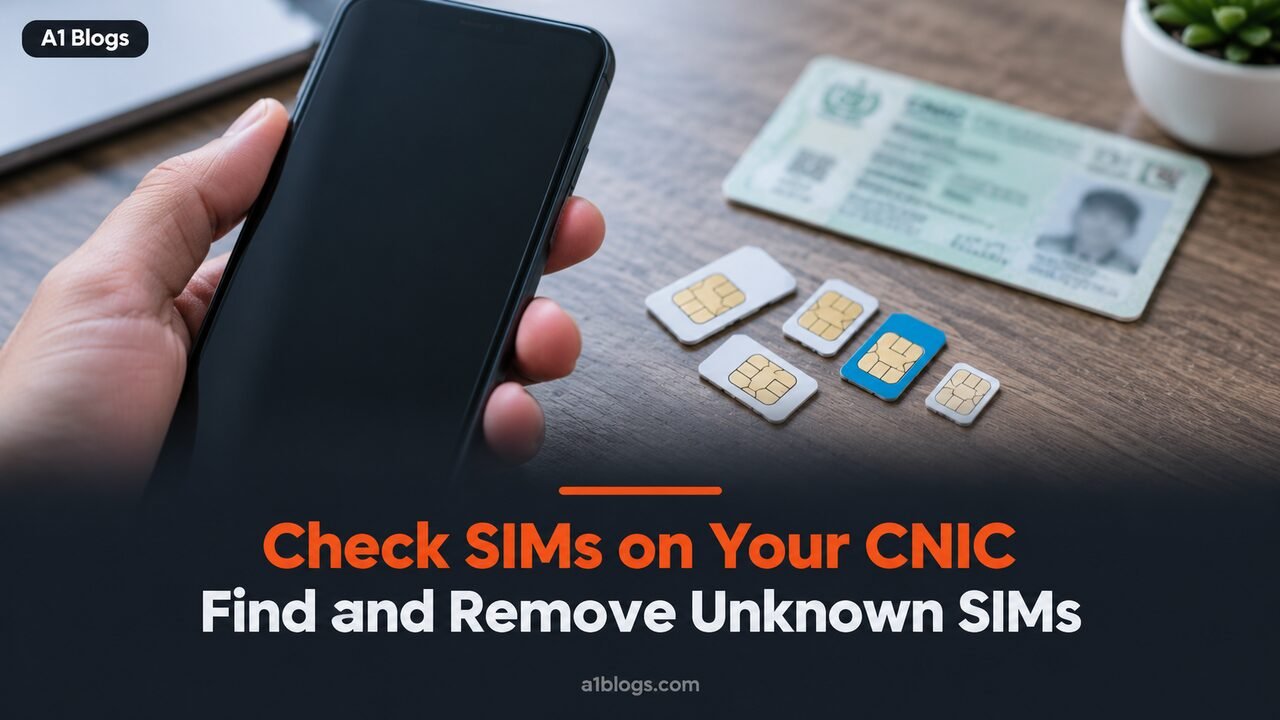
A SIM registered on your CNIC without your knowledge can be used for scams, harassment or worse, and the calls will lead back to you. Checking takes less than a minute and is free online. This guide explains how to check SIMs on CNIC with PTA’s official services, how many SIMs the law allows, and what to do if you find one you do not recognise.
Table of Contents
Why you should check the SIMs on your CNIC
Every SIM in Pakistan is registered to a person’s CNIC, with biometric verification required when it is issued. Even so, SIMs sometimes end up registered to people who never asked for them, through misuse of fingerprints, old records or dishonest retailers. Fraudsters prefer SIMs in someone else’s name because it hides their identity.
If a SIM on your CNIC is used in a crime, investigators will contact the registered owner first. Checking regularly, and removing anything you do not recognise, protects you from that risk.
Method 1: check SIMs on CNIC by SMS to 668
This is the quickest method and works from any Pakistani mobile number:
- Open your messaging app.
- Type your 13-digit CNIC number without dashes or spaces.
- Send it to 668.
Within a few seconds PTA replies with the number of SIMs registered against your CNIC, broken down by mobile operator. The SMS carries a small charge, historically around two rupees.
The reply shows a count, not the phone numbers themselves. If the count is higher than the number of SIMs you actually use, you have a SIM to track down.
Method 2: check online at cnic.sims.pk
PTA’s SIM Information System is available at cnic.sims.pk. Enter your CNIC number, complete the captcha and submit. The page shows the number of SIMs registered to you with each operator. It is free and works from anywhere, including abroad, which makes it useful for overseas Pakistanis.
Method 3: confirm a specific SIM with 667
To confirm that a SIM you have just bought is registered in your own name, send “MNP” by SMS to 667 from that SIM. The reply confirms the registration details for that number. It is worth doing whenever you get a new SIM, especially from a small retailer.
The SIM limit: how many SIMs are allowed on one CNIC
According to PTA’s published answers, one CNIC can hold up to eight SIMs for personal use: up to five SIMs for voice services and up to three data-only SIMs, across all operators combined.
You will find websites claiming the limit is five SIMs in total, or five per operator. Neither is right. Five is the limit for voice SIMs, and it applies across all networks together, not to each one. Business and corporate connections are handled under separate arrangements.
If you reach the limit and want a new SIM, you have to block or transfer one of your existing SIMs first.
What the SIM limit means in practice
The SIM limit is checked when a new SIM is issued. If your CNIC already has five voice SIMs, an operator will not issue a sixth voice SIM in your name until one of the existing ones is blocked or transferred. The same applies to data-only SIMs once you reach three.
This is another reason to check SIMs on CNIC before you need a new connection. People are often surprised to find they are already at the SIM limit because of old SIMs they stopped using years ago, or SIMs issued for a family member that were never transferred.
Checking from abroad
Overseas Pakistanis can use cnic.sims.pk from any country, since it is a website and does not need a Pakistani SIM. The 668 service only works by SMS from a Pakistani number. If you find a SIM you do not recognise while abroad, ask a trusted relative to contact the operator, but note that blocking or disowning usually requires your own biometric verification, so you may need to wait until your next visit or contact the operator’s customer service for their process for overseas customers.
Transferring a SIM to a family member
Many SIMs used by students or elderly parents are registered to someone else in the family. If you want a SIM moved out of your name, ask for an ownership transfer at the operator’s franchise. Both people normally need to be present with their original CNICs, and both verify their fingerprints. Once the transfer is complete, the SIM stops counting towards your SIM limit and becomes the other person’s legal responsibility.
Doing this properly is better than leaving a SIM in your name and trusting that it will only ever be used by the person who has it.
What to do if you find a SIM you do not recognise
- Find out which operator it belongs to. The 668 reply and the cnic.sims.pk result list the count by operator.
- Visit that operator’s franchise or customer service centre with your original CNIC. Ask to see the numbers registered to you.
- Block or disown the unknown SIM. You will be asked to verify your fingerprints, which proves you are the CNIC holder.
- Keep a record of the date, the franchise and any reference number.
- Complain to PTA through its online complaint system if the operator does not resolve the problem.
If you believe the SIM has been used for fraud or harassment, report it to the National Cyber Crime Investigation Agency as well, and keep any messages or call records as evidence.
How to check SIMs on CNIC for elderly parents
Older relatives are often targets because they may not notice extra SIMs or understand fingerprint requests at retailers. With their permission, check their CNIC through cnic.sims.pk, explain that they should never give fingerprints for anyone else’s SIM, and help them disown anything they do not use. A yearly check is a simple habit that prevents a lot of trouble.
Beware of “SIM owner details” websites
Many websites and apps promise to reveal the owner’s name, CNIC or address for any phone number. Treat them with suspicion. PTA’s official services only let you check SIMs registered to your own CNIC. Services that claim to reveal other people’s details are either using leaked data, which is illegal, or simply collecting your information for scams.
The same goes for anyone who calls claiming to be from PTA and asks for a code sent to your phone. PTA does not ask for one-time codes, and sharing one can let someone take over your WhatsApp or bank account. Our guide to crypto scams in Pakistan covers more of the tricks fraudsters use.
Good habits to protect your CNIC
- Never give your fingerprints at a retailer for someone else’s SIM, even a friend’s.
- Do not share photos of your CNIC on social media or with unknown sellers.
- Check the SIMs on your CNIC every few months, and after losing your CNIC or phone.
- Disown SIMs you no longer use instead of leaving them inactive in your name.
- Report a lost CNIC to NADRA promptly.
SIMs and phone registration are different things
SIM registration links a phone number to a person. Phone registration through PTA’s DIRBS system links a handset’s IMEI to an owner who has paid the required tax. A registered SIM does not make an unregistered phone legal, and the 668 check tells you nothing about your handset. For that, see our guide to PTA mobile tax.
Official source: the SIM information service is run by the Pakistan Telecommunication Authority (PTA). Use only the official 668 service or cnic.sims.pk, never a third-party site that asks for your CNIC.
Frequently asked questions
How do I check how many SIMs are on my CNIC?
Send your 13-digit CNIC without dashes by SMS to 668, or enter it at cnic.sims.pk. Both show the number of SIMs registered to you by operator.
How many SIMs can I have on one CNIC?
Up to eight for personal use, according to PTA: five voice SIMs and three data-only SIMs across all operators.
Does the 668 check show the phone numbers?
No. It shows how many SIMs are registered with each operator. To see the numbers, visit the operator’s franchise with your CNIC.
Is cnic.sims.pk free?
Yes. The online portal is free. The 668 SMS has a small charge.
Can I check someone else’s SIMs?
Not through official channels. PTA’s services are for checking SIMs registered to your own CNIC, and sites claiming otherwise should not be trusted.